1.프로젝트 시작 / Project start
https://docs.expo.dev/get-started/create-a-project/
# npx create-expo-app@latest
2.엑스포 환경설정 및 실행/ Expo environment settings
https://docs.expo.dev/get-started/set-up-your-environment/
1)앱스토어나, 플레이스토어에서 Expo Go를 다운로드하면 엑스포앱을 개발 할 수 있습니다.
You can develop Expo apps by downloading Expo Go from the App Store or Play Store.
https://docs.expo.dev/get-started/set-up-your-environment/
2)엑스포 실행 / Setting up and running Expo
https://docs.expo.dev/get-started/start-developing/
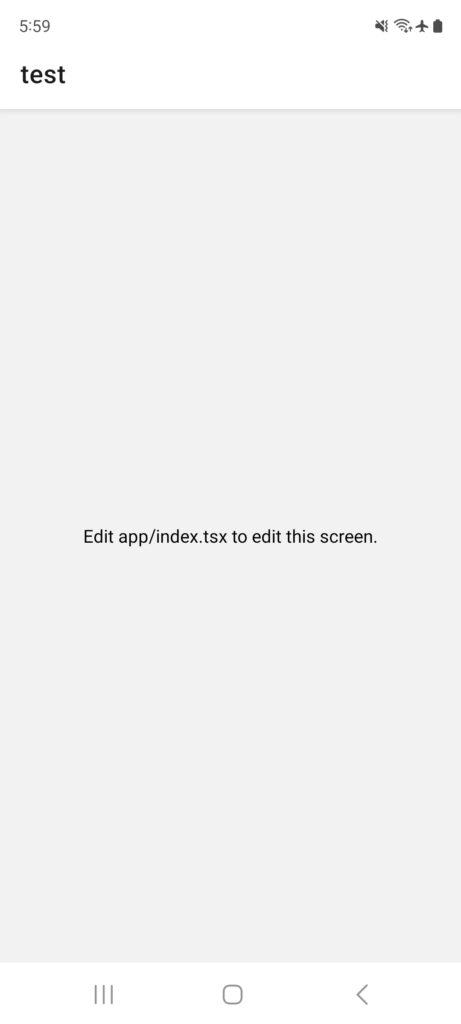
# npx expo start— 기본 액스포앱화면이 다음과 같이 실행 됩니다.
The basic Expo app screen runs as follows.

3)프로젝트 리셋 / reset project
https://docs.expo.dev/get-started/next-steps/
— 리액트네이티브는 기본적으로 타입스크립트와 자바스크립트를 지원합니다.
React Native natively supports TypeScript and JavaScript.
— 프로젝트를 시작하면 기본 앱화면이 있습니다.
When you start a project, you will see a basic app screen.
— 완전히 새롭게 자바스크립트로 프로젝트로 개발 위해서 프로젝트를 리셋합니다.
Reset the project to develop a completely new project in JavaScript.
# npm run reset-project— index.tsx를 따로 백업 (b_index.tsx) / Back up index.tsx separately (b_index.tsx)
— index.js파일 생성 /. Create an index.js file
// /**
// * @format
// */
// expo에서 자바스크립트 셋팅…
import {AppRegistry} from 'react-native';
import App from './test'; // 'test'인식 못 할 수 있음.
import {name as appName} from '../app.json';
AppRegistry.registerComponent(appName, () => App);
— test.js파일에 index.tsx파일의 코드입력
Enter the code from the index.tsx file into the test.js file
import { Text, View } from "react-native";

export default function Index() {
  return (
    <View
      style={{
        flex: 1,
        justifyContent: "center",
        alignItems: "center",
      }}
    >
      <Text>Edit app/index.tsx to edit this screen.</Text>
      <Text>Edit app/index.tsx to edit this screen.</Text>
    </View>
  );
}
-디렉토리 구조 / directory structure

5)앱실행 / run app
# npx expo start
–Expo Go앱을 통해서 앱 실행화면
App launch screen via Expo Go app